

Getting Started
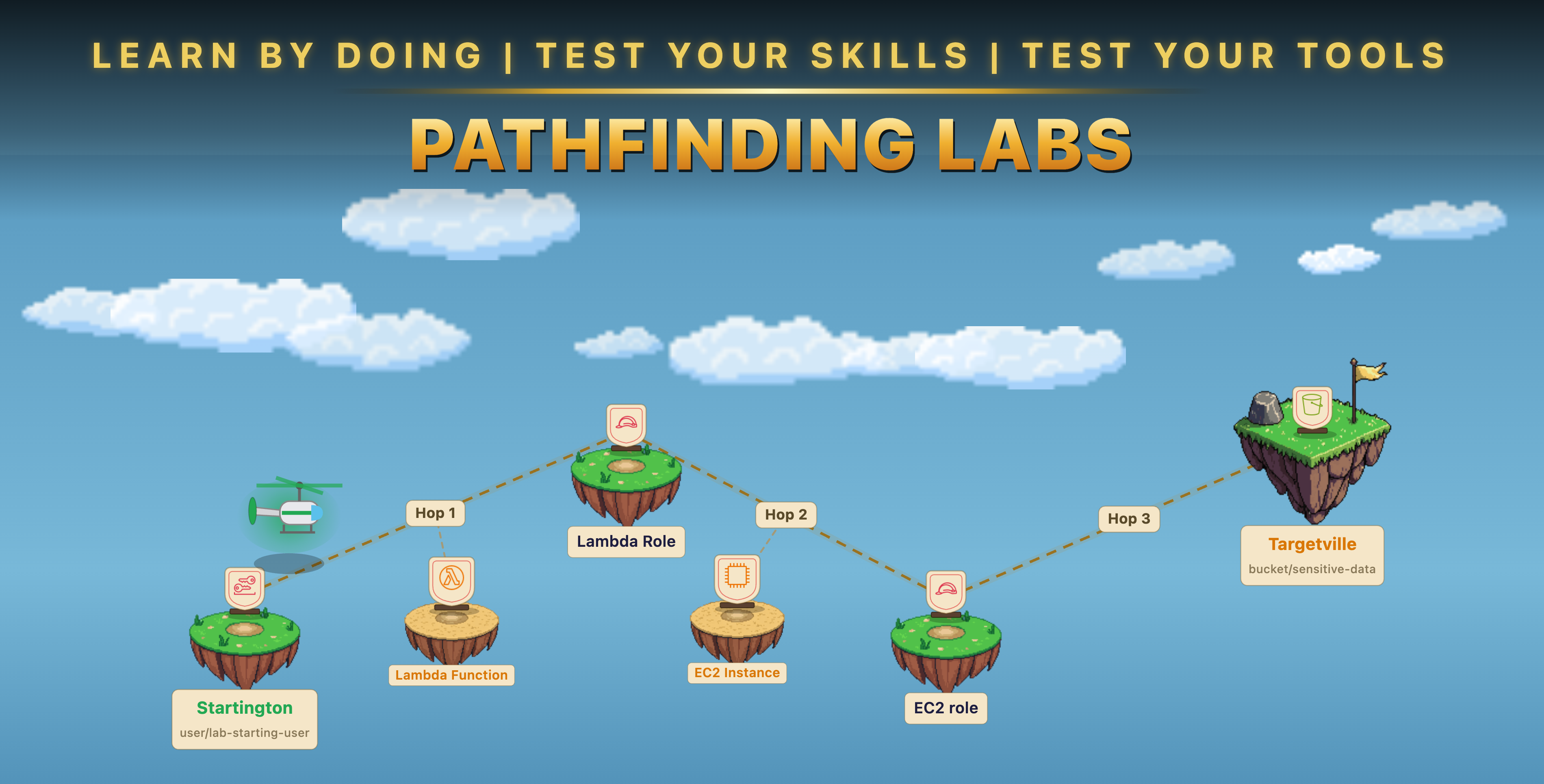
Everything you need before running your first lab, and the six scenarios that will give you a working mental model of AWS IAM privilege escalation.
Prerequisites
Two things to check before deploying your first scenario.
01
Required
One or more AWS accounts
All scenarios deploy into real AWS accounts using Terraform. A single sandbox account is enough to run the majority of labs. Cross-account escalation labs require two or three accounts, but you can come back to those later.
Not sure where to start? The setup guides cover all three cases: single account, accounts you already have, and creating a full multi-account org from scratch. Setting up an org is also a good excuse to explore org-level features like SCPs and IAM Identity Center.
Not sure where to start? The setup guides cover all three cases: single account, accounts you already have, and creating a full multi-account org from scratch. Setting up an org is also a good excuse to explore org-level features like SCPs and IAM Identity Center.
02
Required
Install and configure pathfinding labs
Install the
plabs CLI, then configure it with your AWS credentials for each account. The repo README has full setup instructions. The quick path:
# Install via go install
go install -v github.com/DataDog/pathfinding-labs/cmd/plabs@latest
# Or via brew
brew tap DataDog/pathfinding-labs https://github.com/DataDog/pathfinding-labs
brew install DataDog/pathfinding-labs/plabs
# Run the interactive setup wizard to map your AWS profile(s) to the plabs environment(s)
plabs init
# Enable a lab and deploy
plabs scenarios list
plabs scenarios enable [id]
plabs apply
Where to Start
Run these six labs in order. Each one introduces a new technique or adds a layer of complexity to what came before.
1
Self-escalation via iam:AttachUserPolicy
The simplest possible escalation: a user attaches a managed admin policy directly to themselves. No other principals involved. Good first lab because the attack path is one step and the outcome is immediate.
2
Role assumption via sts:AssumeRole
The most common one-hop escalation. A principal with
sts:AssumeRole assumes a more privileged role whose trust policy permits it. Teaches you to read trust policies and identify over-permissioned roles.3
Existing Lambda code modification
No PassRole required. A principal with
lambda:UpdateFunctionCode modifies an existing Lambda function to exfiltrate credentials from its privileged execution role. Introduces exploitation of existing compute resources with attached roles.4
Credential theft via SSM SendCommand
A principal with
ssm:SendCommand runs commands on an EC2 instance and queries the IMDS to retrieve temporary credentials from its attached IAM role. Same pattern as Lab 3 but via EC2 instead of a function.5
SSM session to sensitive S3 bucket
The same SSM technique, but the EC2 instance's role only has access to a sensitive S3 bucket — not admin. Shows that not every attack path leads to AdministratorAccess; sometimes the objective is data, not control.
6
Multi-hop: role assumption into ECS PassRole
Two hops. First, assume a role that has ECS permissions. Then use that role to run a Fargate task with a privileged execution role attached — reaching admin via the task's environment. Introduces chained escalation across multiple principals.
What's Next
After completing these six, browse the full Labs Catalog — filter by category, type, or target to find scenarios that match what you want to practice next. Cross-account labs, toxic combinations, and CTF scenarios are all available once you've built the foundational intuition these six provide.